Publish from Capture One to StudioLedger
The StudioLedger Capture One plugin creates galleries and publishes selected exports without losing the workspace, project, or client destination.
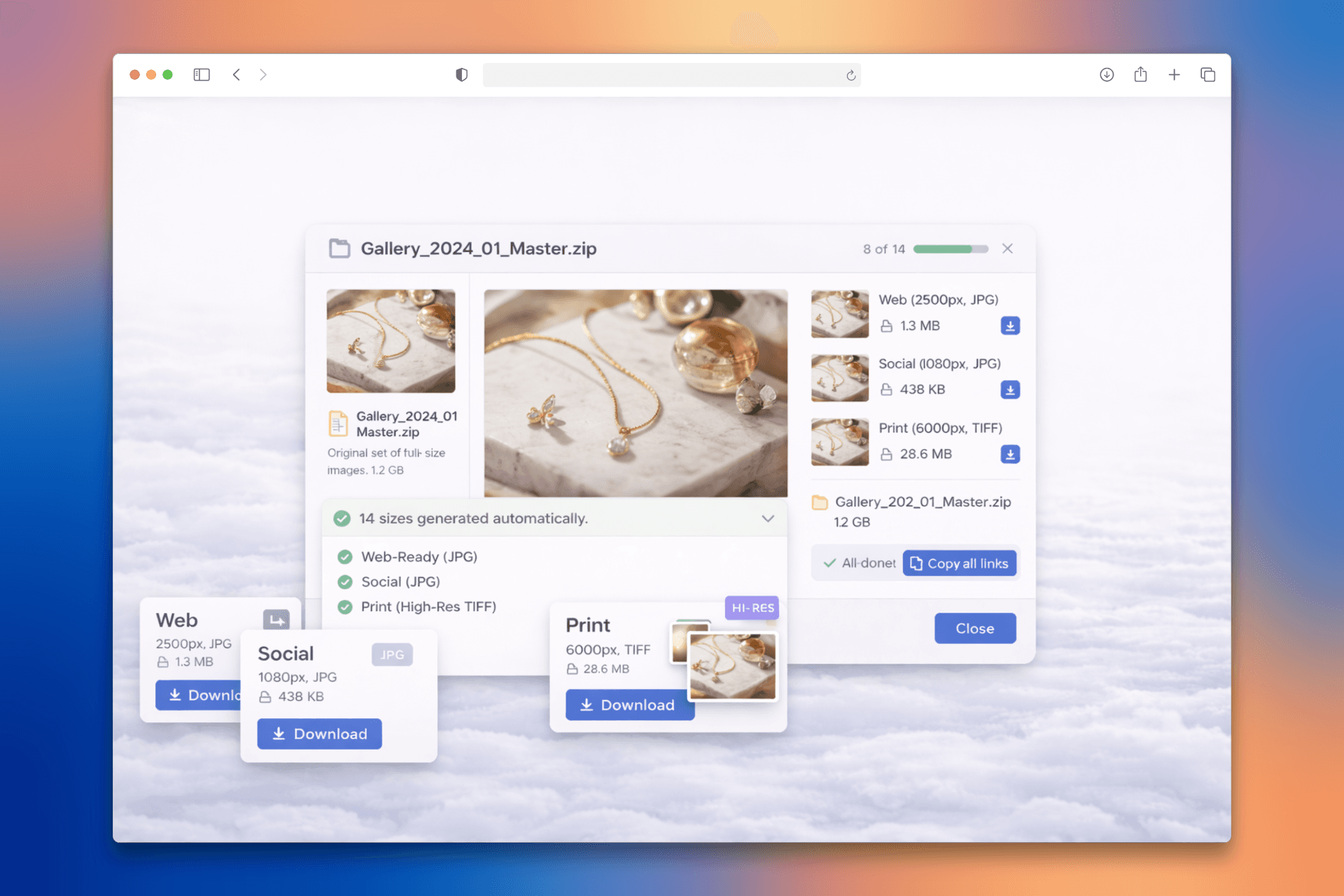
Choose the destination without leaving Capture One
The StudioLedger Capture One plugin lets a photographer connect a workspace, create a gallery, choose the relevant destination, and publish selected exports from the editing session. The upload enters the gallery clients will actually review or receive instead of landing in an anonymous folder that must be sorted again in a browser.
That destination carries useful context. The gallery already belongs to the correct StudioLedger workspace and can remain connected to the project and client workflow around it. The photographer stays focused on the images while StudioLedger takes responsibility for gallery access, proofing, presentation, and delivery.
Publish selected exports, not the working catalog
The integration sends the rendered files the photographer selects for publishing. It does not upload the Capture One catalog, session database, adjustment history, or raw working environment. Creative decisions stay in Capture One, while the resulting images move to the client-facing system designed to handle the next step.
A clear boundary makes the workflow easier to trust. Capture One remains the capture and editing tool. StudioLedger receives the outputs, organizes them into gallery sets, and applies the permissions and presentation needed for review, selections, annotations, licensing, or final download.
Keep later gallery work connected
Once the files arrive, the studio can invite the client, collect ratings and selections, receive comments and image annotations, create a PDF contact sheet, license images, or prepare a delivery. The upload is not the end of the integration; it is the handoff into the rest of the client workflow.
That removes a familiar chain of export, temporary folder, browser upload, gallery recreation, and another round of naming. The files still move, but the photographer does not have to reconstruct which client and production they were intended to serve.
Questions photographers actually ask
Can Capture One create a StudioLedger gallery?
Yes. The plugin can create a gallery in the connected StudioLedger workspace and publish selected rendered exports into that client-facing destination.
Does the plugin upload my Capture One catalog or raw session?
No. It publishes the rendered image files you select. Your Capture One catalog, raw working session, adjustments, and other creative working data remain in Capture One.