Studio integrations for commercial photographers
StudioLedger connects Capture One, Lightroom, Dropbox, Stripe, and supported QuickBooks workflows so files and financial records can move without losing their production context.
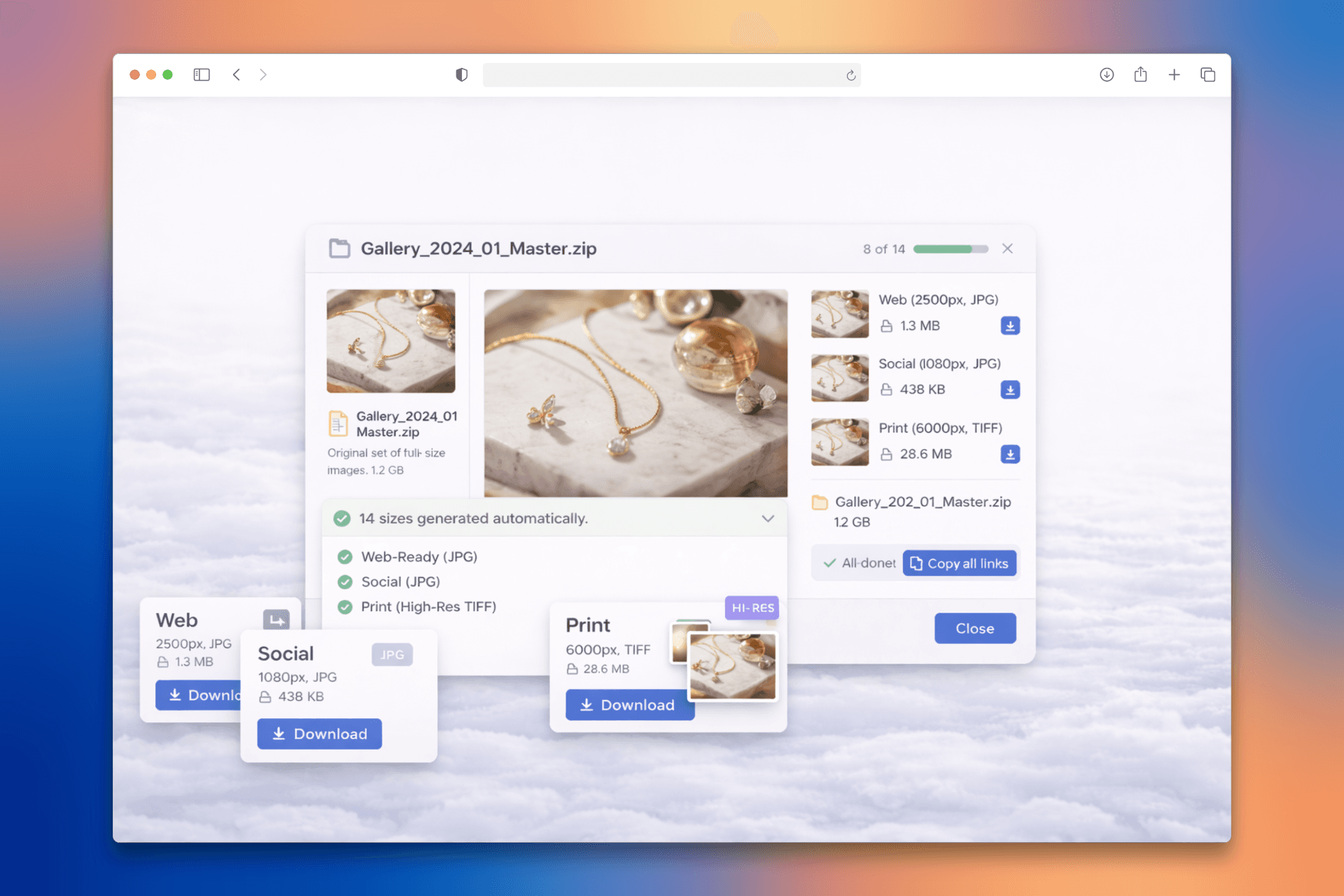
Capture One and Lightroom publish into the gallery workflow
StudioLedger integrations for Capture One and Adobe Lightroom shorten the trip from the edit to the client. A photographer can create or choose a StudioLedger gallery and publish selected exports from the creative application, preserving the workspace and gallery destination instead of exporting to a temporary folder and rebuilding the upload by hand.
The editing application remains responsible for the working catalog, adjustments, and rendered output. StudioLedger receives the published images and handles what happens next: branded presentation, sets, client access, selects, comments, image annotations, licensing, contact sheets, downloads, and delivery.
Dropbox connects storage and retouching handoffs
A connected Dropbox account can support the folders and file movements already used by the production team. StudioLedger keeps the workspace boundary and production context around those actions, while Dropbox remains the underlying storage provider with its own files and permissions.
This is especially useful around retouching and delivery, where files often move between photographer, retoucher, producer, and client. The integration reduces repeated downloading, uploading, and link hunting without pretending that every Dropbox folder belongs inside StudioLedger.
QuickBooks receives supported accounting records
StudioLedger is the operational system for the client, Job, estimate, invoice, payment, expense, and production history. Its QuickBooks connection keeps supported accounting records aligned so the bookkeeper does not have to recreate work the studio has already entered. Customer and category mappings make the destination deliberate rather than guessing silently.
Accounting synchronization depends on a supported QuickBooks company, an active connection, completed mappings, and enabled sync settings. StudioLedger surfaces authorization or mapping problems for attention. It does not promise that every QuickBooks object, country, or accounting workflow is covered by a universal two-way sync.
Payments stay with the studio's own Stripe account
Stripe Connect lets clients pay eligible invoices, deposits, installments, and licensing purchases through the photographer's connected account. StudioLedger records successful payments against the correct financial document and updates what remains outstanding; it does not hold the studio's funds or take a percentage of the client payment.
Across every integration, the goal is the same: remove a handoff without erasing context. Capture and editing tools know the images, storage tools know the files, Stripe knows the payment, QuickBooks knows the books, and StudioLedger keeps each exchange attached to the commercial production that made it necessary.